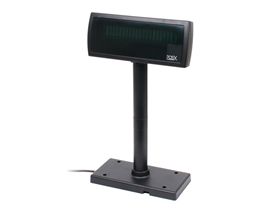
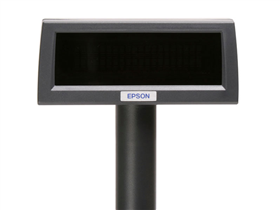
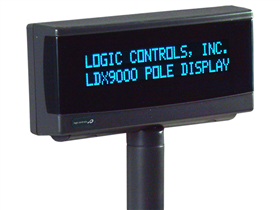
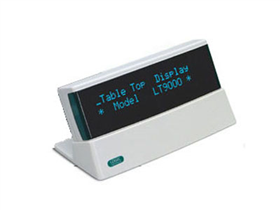
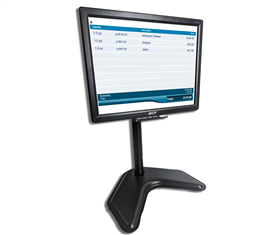
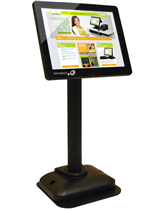
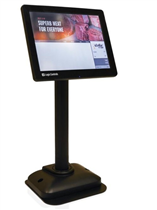
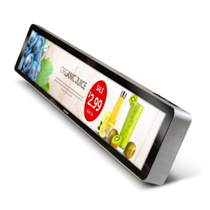
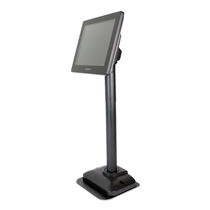
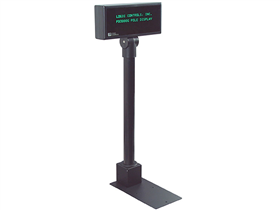
Pole Displays are used to provide verification of pricing and items during the checkout process, ensuring the customer knows prices are accurate before paying for goods or services. More modern customer displays are often full LCD displays, allowing businesses to provide additional marketing, such as information on upcoming promotions, or to simply alert customers that a lane is open.
For traditional two-line pole displays, they are programmed to accept specific commands to know when to start a new line or display a non-alphanumeric character. These command sets are also known as emulations, and are specific to POS software as well. When making a purchase, it is important to know which command sets your software supports, as not all pole displays are compatible. Some, such as the POS-X XP8200 and Epson DM-D110, can change their emulation mode to one of a variety.
If you are unsure which Pole Display is right for you, please feel free to call us at 1-800-903-6571, and we will do our best to find a great one for you.